Running a scan
Scanner IP addresses
Let scanner traffic through your firewall, WAF, and rate limits.
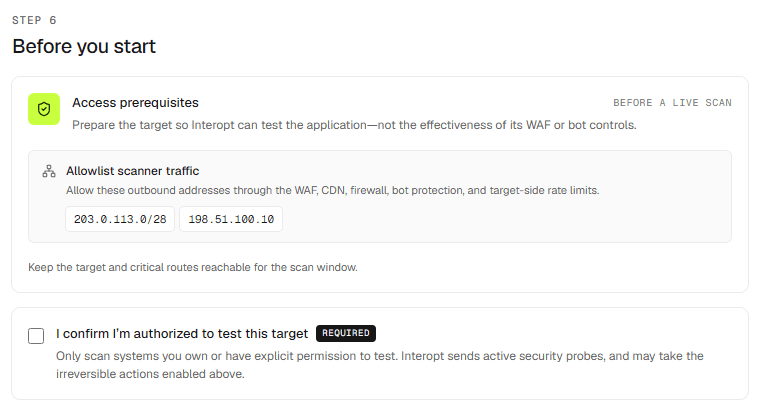
Interopt scans from known outbound addresses. If the target sits behind a WAF, CDN, bot control, or target-side rate limiting, the scan has to be let through — otherwise you measure the controls, not the application.
Where the addresses are
The New scan form's Before you start step lists them under Allowlist scanner traffic. Allow them through everything in front of the target: WAF, CDN, firewall, bot protection, and rate limits.
When it applies
Every scan except a white-box scan whose runtime Interopt boots from source. That runtime has no customer-side WAF or firewall in front of it, so there is nothing to allowlist.