Fixes and pull requests
Ask the agent for a fix, review it, and open a pull request.
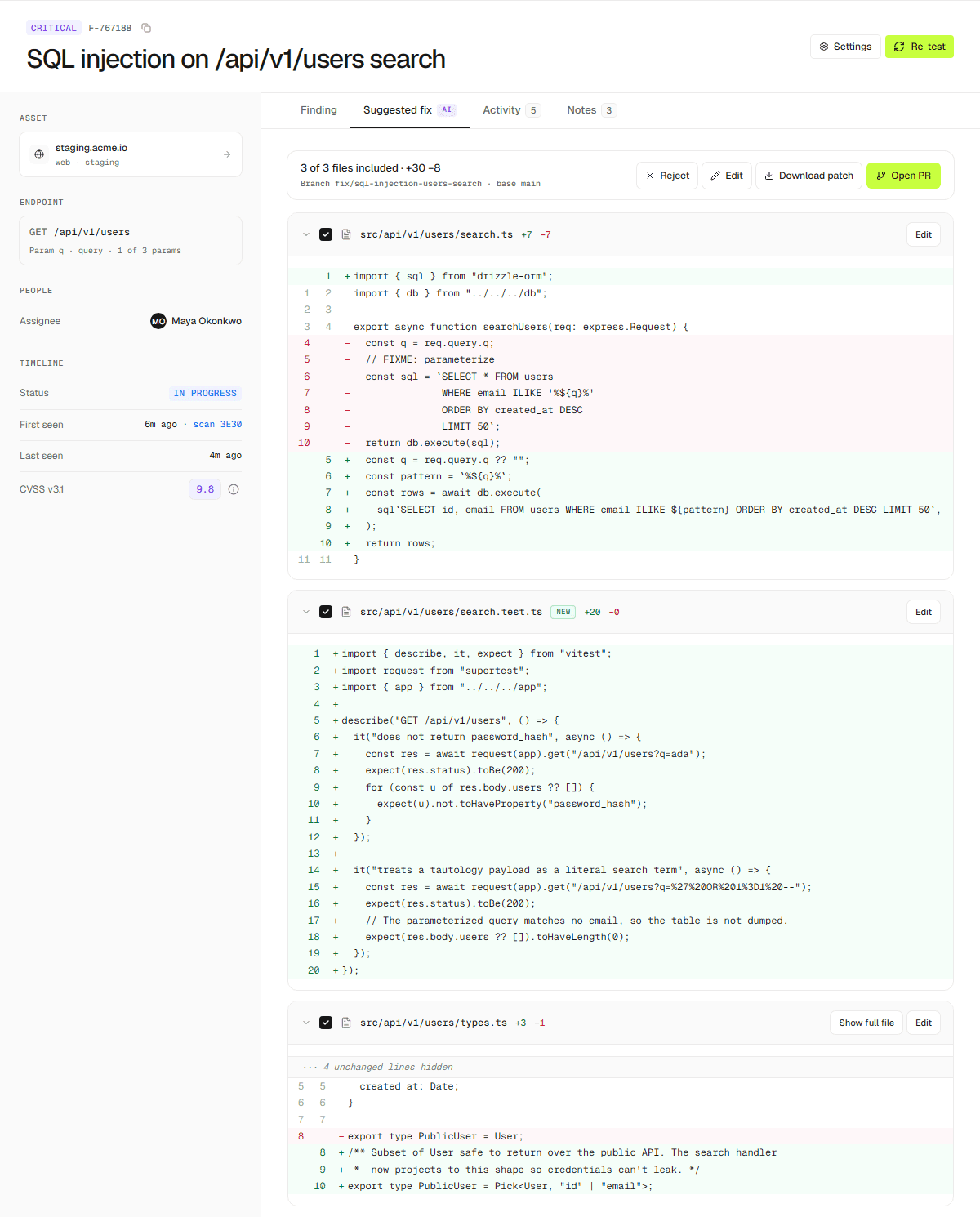
Open a finding from Dashboard → Findings and ask the agent for a fix; you can turn it into a pull request or merge request.
Steps
Open a finding and go to Fix.
Request a fix. The agent proposes changes with a diff.
Include or exclude files, edit the diff, or revert to the agent's suggestion.
Open a pull request on GitHub, GitLab, or Bitbucket.
You can also download the patch instead of opening a PR. Opening PRs is a Team feature.