Getting started
Invite your team
Add members and give each one a role.
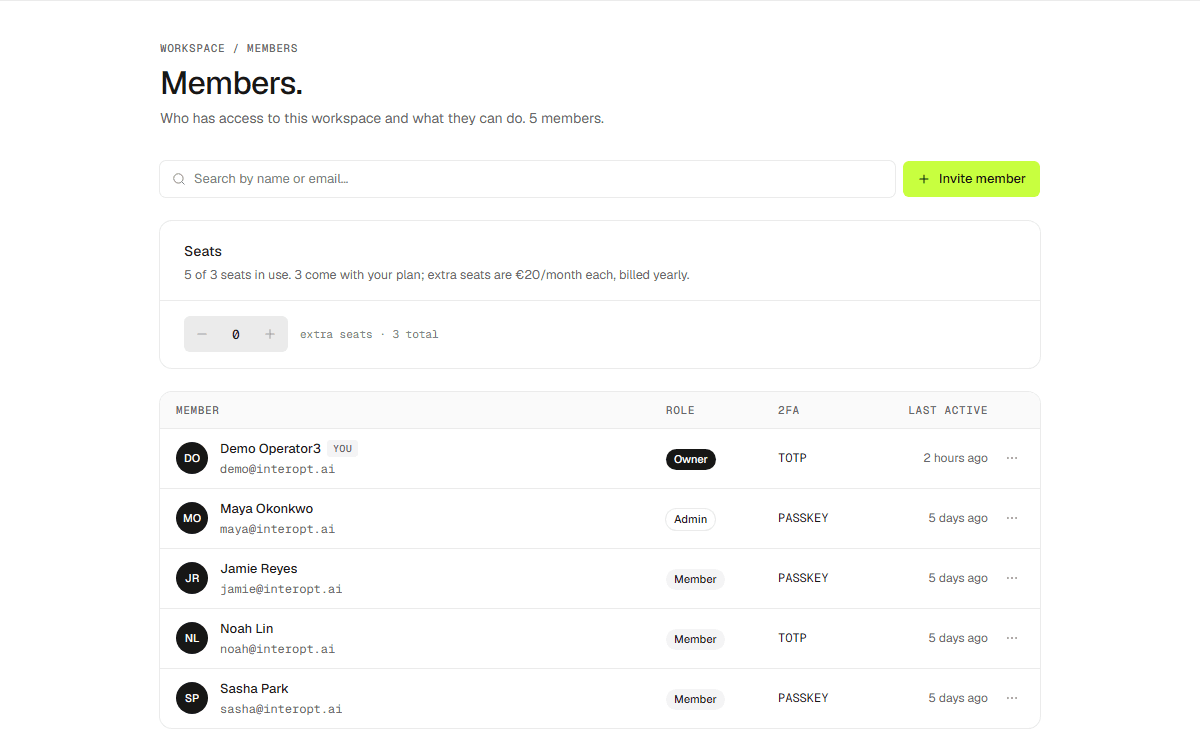
Invite teammates by email from Settings → Members. Each member gets a role that decides what they can change.
Roles
- Owner — full control, including billing and deleting the workspace.
- Admin — manage members, integrations, and scans.
- Member — run scans and work findings.
- Read-only — view everything, change nothing.