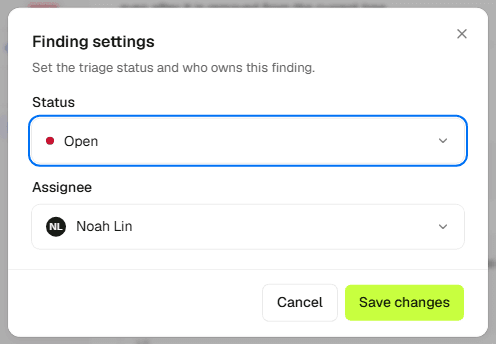
Findings
Triage and status
Views, filters, assignment, and moving a finding to done.
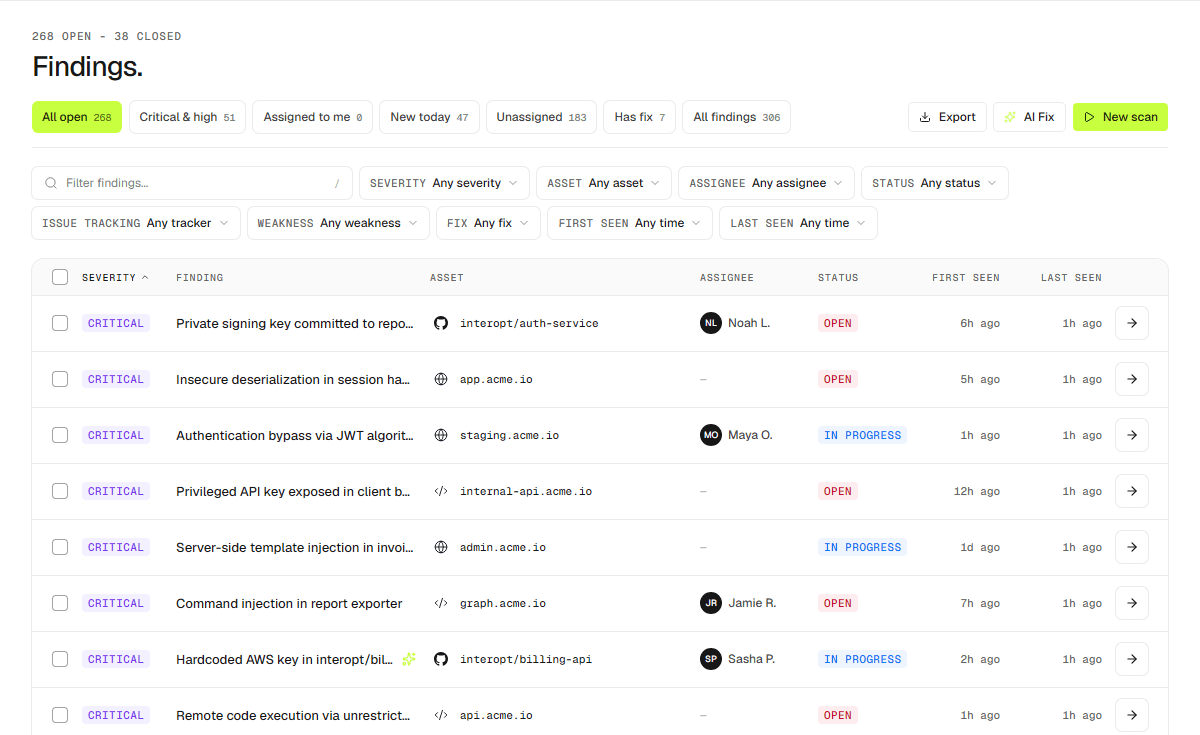
Findings live in Dashboard → Findings.
Statuses
- Open — new or not yet picked up.
- In progress — being worked.
- Resolved — fixed and confirmed, either by you or by a retest that could no longer reproduce it. A resolved finding that reproduces again is reopened.
- False positive — the issue is not real.
- Risk accepted — real, and knowingly left as it is.
The last three count as closed, so they leave the open views.
Saved views
The list ships with views such as all open, critical and high, assigned to me, new today, unassigned, has fix, and all findings. Has fix collects findings with a drafted fix ready to review. Combine them with filters for severity, status, asset, assignee, issue tracker, OWASP WSTG category, and first or last seen.
Assignment
Assign a finding to a member so ownership is explicit, then export the current list when you need it outside Interopt.